A printing proof is a picture of your exact piece, at its real size, sent to you before anything goes to the press. It shows the final wording, the photos, the colors and the lines where the piece will be cut. When you approve it, you are telling the print shop: print exactly this. That is why the proof is the most important moment of any print order, and the cheapest place in the whole process to fix a mistake.
Most printed mistakes were visible on the proof. A wrong digit in a phone number, last year's Saturday hours, a price that changed in the spring, a name spelled the way the designer heard it on the phone. This guide explains what a print proof shows, the kinds of proofs print shops send, and the ten checks we suggest before you say yes.
What a printing proof shows
A digital proof is usually a PDF or an image sent by email or text. It shows your design exactly as the printing press will receive it, with a few extra marks that are not printed:
- the trim line or crop marks, where the piece will be cut;
- the bleed, background that runs past the trim and will be cut away;
- the safe area, the inner line that words and logos should stay inside;
- notes from the print shop: size, stock, finish, quantity, number of sides.
Our article on bleed in printing explains those three lines in detail. On a proof, the rule is simple: background reaches the outer line, every word stays inside the inner line.
A printing proof is also a record. It shows what you approved, so if a question comes up later, everyone can look at the same picture. That protects you as much as the print shop.
Digital proof, hard proof, press proof
Print shops use three kinds of proofs, and it helps to know which one you are looking at.
| Kind of proof | What it is | When it is used |
|---|---|---|
| Digital proof (soft proof) | A PDF or image you check on a screen | Nearly every small business order: cards, flyers, menus, banners |
| Hard proof | A printed sample of the piece, on paper or a similar stock | Large runs, exact color matches, pieces you need to hold first |
| Press proof | A sample pulled from the actual press before the full run | Big commercial jobs where color must match a standard |
For business cards, menus, gift certificates, flyers and signs, a digital proof is the norm, and it is what we send for every order at Nail Spa Design. It checks everything that can be wrong in a file: words, numbers, layout, size, cut and photos. What a digital proof cannot show perfectly is color, because screens glow and paper does not. More on that in check number 7.
If you are curious about the professional side, the Wikipedia article on prepress proofing describes how soft proofs, hard proofs and contract proofs are used in the print industry.
Why the print proof matters more than the design
Once a job is printed, a mistake cannot be erased. A business card with a wrong digit becomes 500 business cards with a wrong digit, and the fix is a full reprint. On the proof, the same fix takes one message.
There is also a quieter reason. Designers and printers check spelling, sizes and files, but they cannot know your business the way you do. Spell-check flags "Satruday", but it will never notice that you close at 7 pm, not 8 pm, or that the gel manicure price went up last month. Only you can catch those. The printing proof is the step designed for exactly that.
How to read a printing proof without missing anything
Before the checklist, a few habits that make proofreading work:
- Use a big screen. Open the proof on a computer or a tablet, not only a phone. Zoom in to 100 percent or more.
- Read slowly, out loud. Reading aloud forces you to see each word instead of the word you expect.
- Check numbers digit by digit. Phone numbers, prices, addresses, dates, percentages. Point at each digit if you have to.
- Ask a second person. Someone who did not write the text catches different mistakes. A staff member, a family member, anyone.
- Compare with your source. Hold your current price list, your Google Business Profile or your old card next to the proof.
10 things to check on every printing proof
1. The business name
Exactly as it appears on your sign and your Google profile, with the same spelling, capital letters, ampersand or "and". A small difference between your card and your sign makes clients wonder if they found the right place.
2. Phone number, address and website
Every digit of the phone number. The suite number, the street spelling and the ZIP code. The website and email, letter by letter: a missing letter means messages that never arrive. If you use social media handles, check that they match your real accounts.
3. Prices and service names
On menus, price lists, flyers and gift certificates, compare every price with your current list. Check the service names too: "Gel-X full set" and "Gel X full-set" may look the same to a designer but not to your regular clients. Decide how you write prices ($45, 45, $45.00) and keep it the same everywhere.
4. Dates, hours and expiry
Opening hours for every day, including the days you close. Offer dates and expiry dates on coupons and flyers. Holiday hours if you print seasonal pieces. Hours are the detail that changes most often and gets checked least.
5. Names of people
Staff names on name tags, the owner's name on a card, the name of a technician on an appointment card. Ask each person to spell their own name if you are not sure.
6. Size, sides and orientation
Check the size written on the proof against what you ordered: 3.5 × 2 inches for a standard card, 8.5 × 11 inches for a letter menu. Make sure the back is the right way up compared with the front, and that a two-sided piece has both sides. Our guide to the standard business card size lists the dimensions for cards.
7. Colors and photos
A digital proof shows color on a screen, which is brighter than ink on paper. Expect printed colors to look a little calmer than the proof, especially bright blues, neon pinks and greens. If a color must match your sign or your logo exactly, send its color code or tell us before printing, and ask whether a printed sample makes sense. Look at photos at full size: blurry or pixelated photos will look the same, or worse, on paper.
8. The cut and the safe area
Look at the edges. No words, numbers or logos should touch the safe area line. Backgrounds should run all the way out to the bleed line. Thin borders close to the edge can look uneven after cutting; ask to move them inward if they worry you.
9. QR codes and links
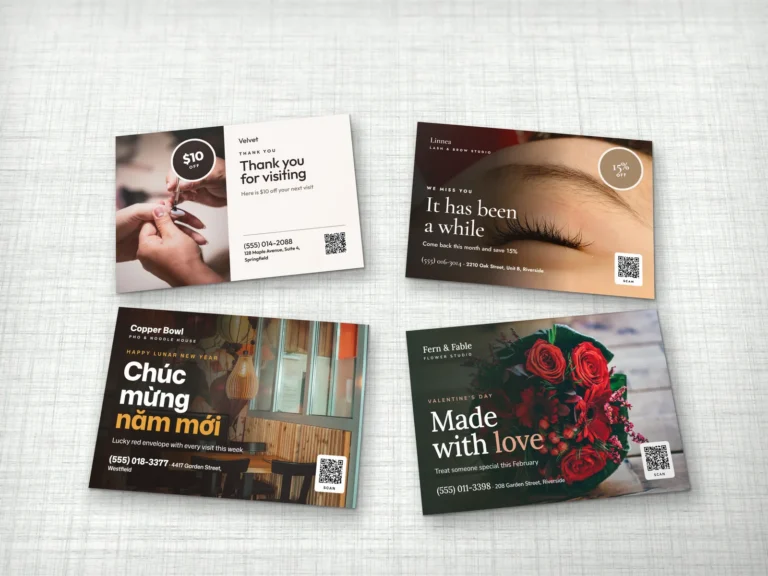
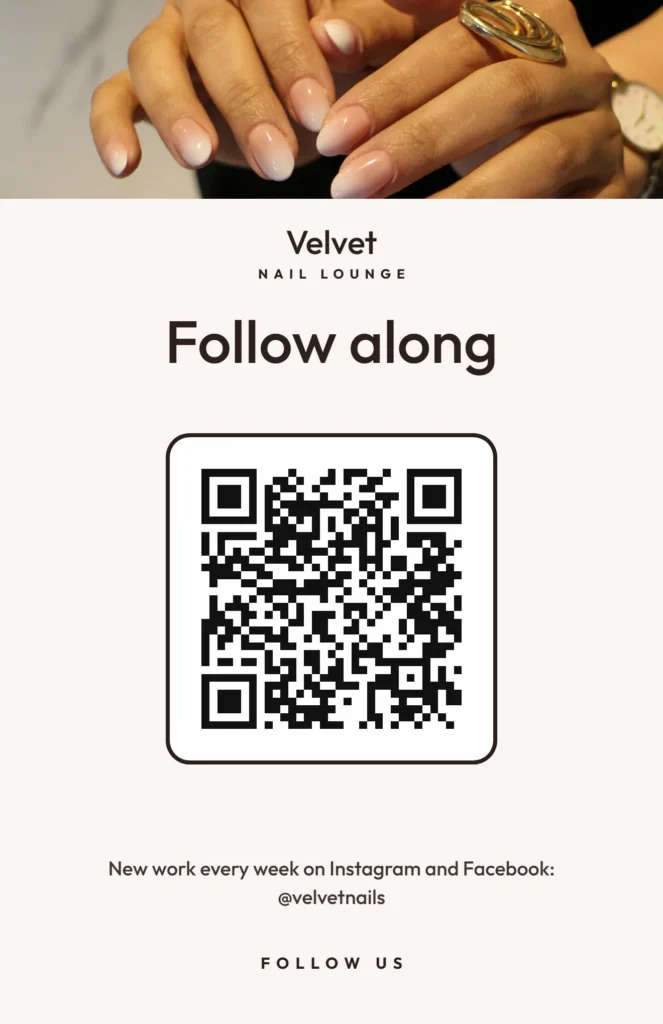
Scan every QR code on the proof with your phone, from a normal distance, and make sure it opens the right page: your booking page, your menu, your Google review link. A QR code that opens the wrong page is invisible until a client tries it. If the code is smaller than about 0.75 inch, ask whether it can be made bigger.
10. Numbering, finish and quantity
For numbered gift certificates, tickets and forms, check the starting number and the format (001, 0001 or 1001). Check the finish (gloss, matte, lamination), the stock and the quantity written on the proof. These are easy to overlook, because they are printed in small notes beside the design rather than on it.
What to look for on proofs of different products
The ten checks apply to everything, but each product has one or two spots where mistakes like to hide. Give these extra attention on the print proof.
Business cards. On a business card proof, check both sides, and check that the back is upright when you flip the card on its long edge. Look at the smallest line, usually the address or the website: it is where a missing letter goes unnoticed.
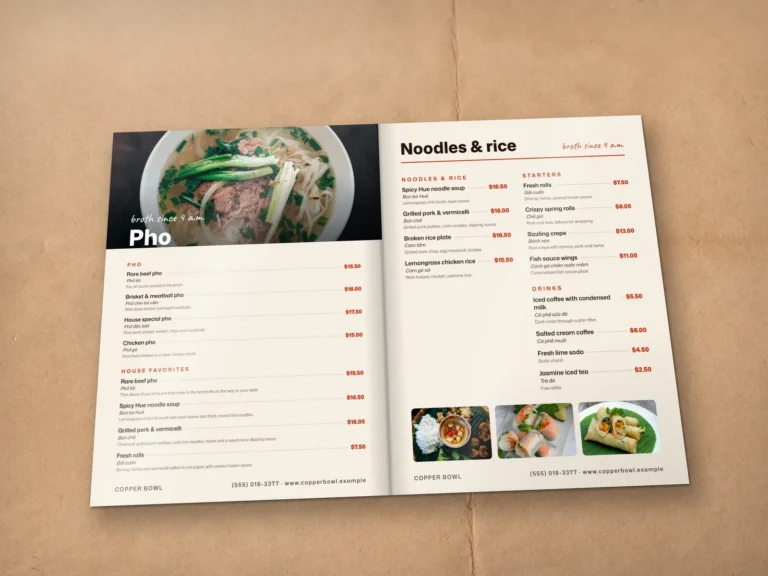
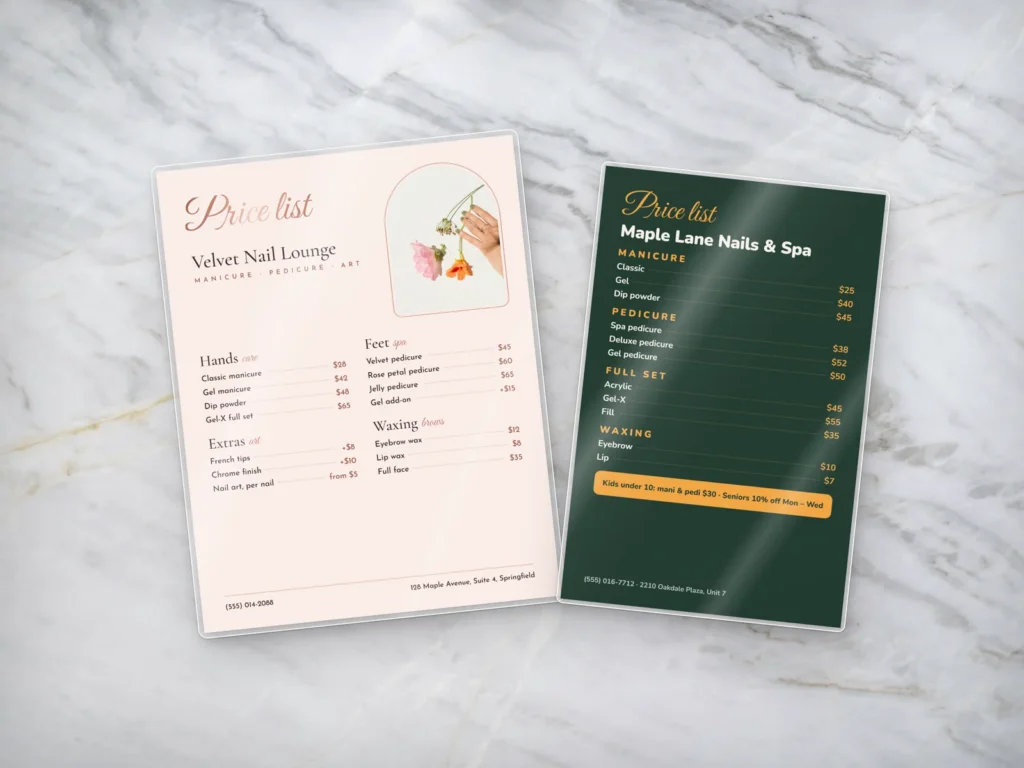
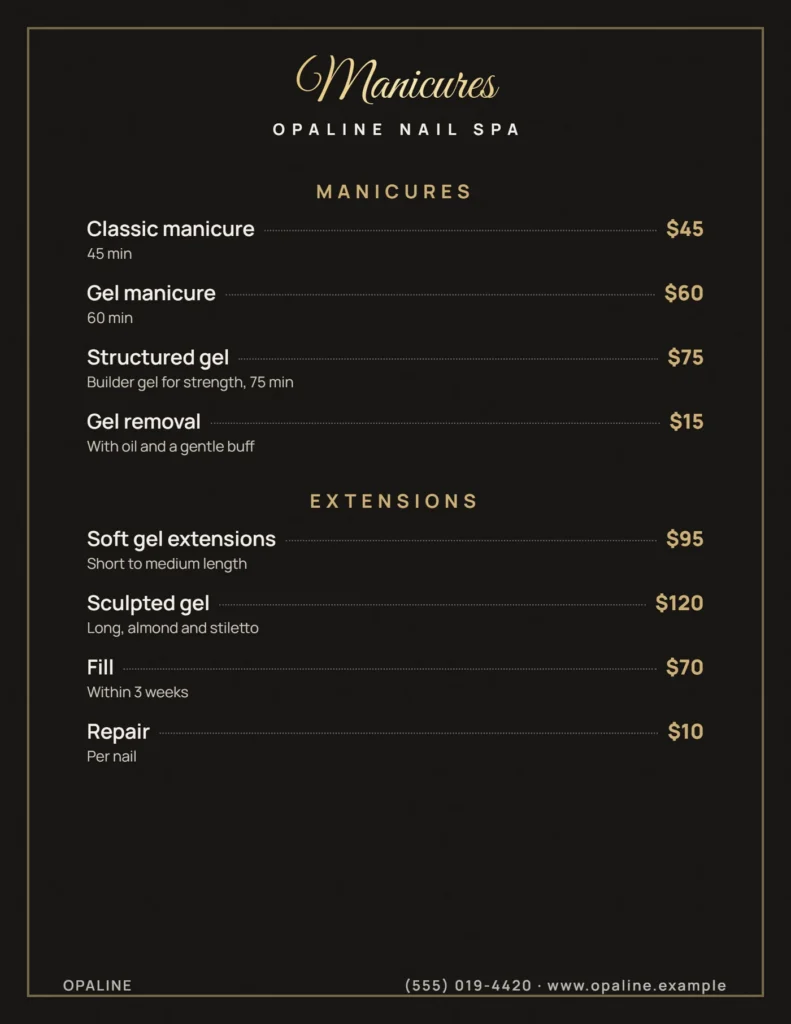
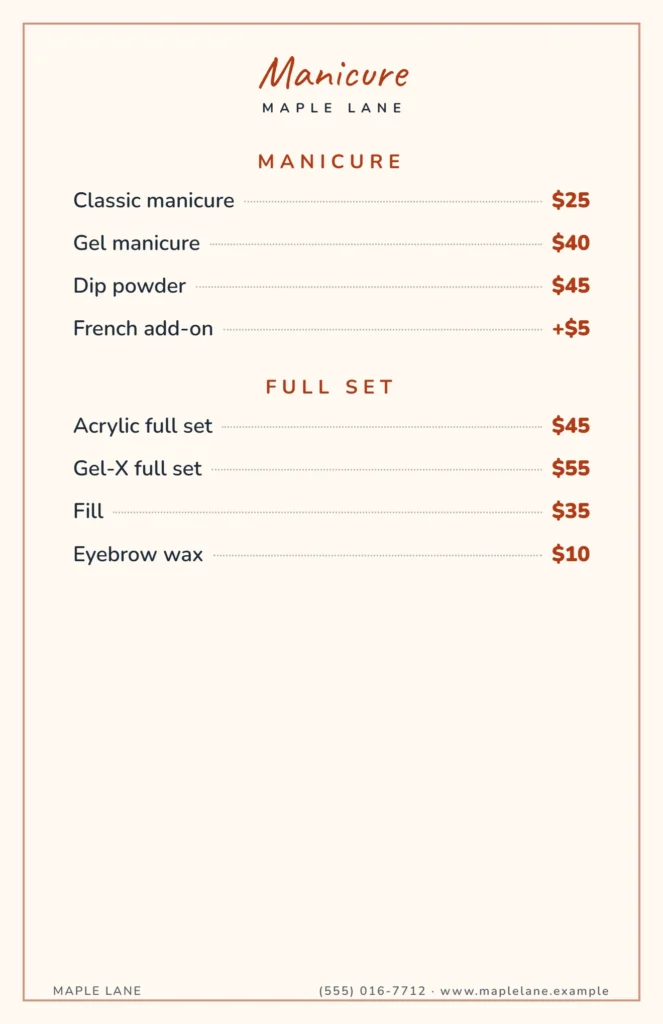
Menus and price lists. Read every price against your current list, then read the service or dish names on their own. Look for prices that wrapped onto the wrong line in long two-column lists. For a laminated menu, check both sides: the back is often filled last and checked least.
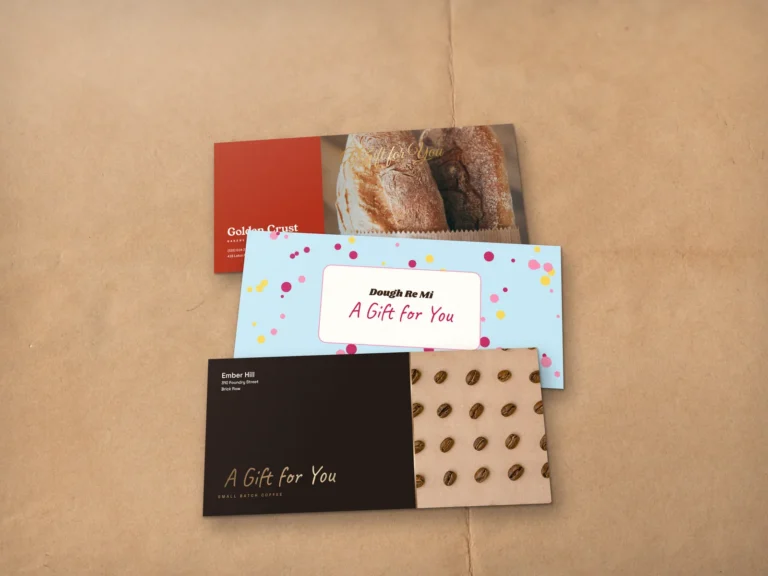
Gift certificates. Check the starting number, the value lines, the expiry wording and the "how to use" text on the back. Gift certificate rules differ by state, so make sure the terms you print match what you are allowed to offer. On gift certificates with a tear-off stub, check that the stub carries the same number as the certificate.
Banners and signs. Zoom out until the printing proof is the size of a postage stamp on your screen. That is roughly how a banner looks from across a parking lot. If you cannot read the main line at that size, it needs to be bigger.
Door decals and window graphics. Decals that go on the inside of the glass are read from the street. The proof shows how the decal reads from outside; check the hours as a passer-by would see them.
Counter stands and anything with a QR code. Scan the code on the proof itself, from the distance a client would stand. If it opens the right page on the first try, it will work in print.
A printing proof checklist you can copy
Copy this list into your notes and run through it every time a proof arrives.
- Business name spelled exactly like the sign
- Phone number checked digit by digit
- Address, suite and ZIP code correct
- Website, email and social handles correct
- Every price and service name matches the current list
- Hours, dates and expiry dates correct
- Staff names spelled by the people themselves
- Size, sides and orientation as ordered
- Photos sharp, colors acceptable for print
- Nothing important near the cut; backgrounds reach the bleed
- Every QR code scanned and opening the right page
- Numbering, stock, finish and quantity as ordered
How to ask for changes on a proof
Clear change requests get you a correct second proof faster. Write each change on its own line, say where it is, and give the exact new text.
Good: "Back, line 3: change Sat 9 am–7 pm to Sat 9 am–6 pm." Hard to follow: "the hours are wrong, can you fix them?"
If you mark up the proof itself, a screenshot with circles works well. If you have several changes, send them all in one message rather than one by one over a day; it is easy for a change sent in a fourth text to be missed. When the new proof arrives, check the changes and quickly read the whole piece again, because a moved line can push another line out of place.
There is no limit on rounds of changes before you approve at Nail Spa Design. A proof exists to be corrected.
What happens after you approve
Approving the printing proof means the file goes to the press as it is. After that, changes usually mean reprinting, so approve only when you are sure. Give your approval in writing, by text or email, so there is a clear record of the version you chose.
Once approved, the order is printed, finished (cut, folded, laminated, numbered or drilled, depending on the product) and packed. Your quote already includes the timing for your products and quantities. Our page on how ordering works walks through the whole process, and our guide to design and printing services explains what to send so the first proof is close to right.
Common printing proof mistakes owners make
- Approving on a small phone screen in a hurry. Most missed typos were readable on the proof at full size.
- Checking only the front. Backs hold the hours, prices and fine print, where errors hide.
- Trusting the old file. If the design came from last year's card, the address or hours may be out of date.
- Not scanning the QR code. Codes copied from an old flyer can point to an expired link.
- Expecting screen colors on paper. Bright screen colors print calmer; ask about colors before approving, not after printing.
- Approving "with changes". "Looks good, just fix the hours" is not an approval. Wait for the corrected proof and approve that one.
Questions about the printing proof
Do you send a proof for every order?
Yes. Every order gets a digital proof, and nothing prints until you approve it in writing.
Can I change my design after approving the proof?
Before printing starts, ask right away and we will do our best. Once the job is printed, changes mean a new print run, so take your time before you approve.
Why does the color on the proof look brighter than the printed piece?
Screens make color with light and paper reflects it. Bright screen colors, especially blues, greens and neon tones, look calmer in ink. A digital proof is accurate for layout and text, and close but not exact for color.
Can I get a printed sample before the full order?
For some products and large orders, yes. Ask in your request and we tell you what is possible for that product.
Who is responsible for typos I approve on the proof?
The approved proof is the agreement on what gets printed, which is why we ask you to check it carefully. If we make a change you did not ask for, or skip one you asked for, tell us and we make it right.
What if I find a mistake after the order is printed?
Tell us right away with a photo. If the printed piece does not match the approved proof, we fix it. If the mistake was on the approved proof, we help you reprint as quickly as possible.
Is a digital proof enough for a big order?
For words, numbers and layout, yes: a digital proof shows them exactly. For color-critical work, such as matching a brand color across a large run, ask about a printed sample before approving.
How long do I have to approve a print proof?
As long as you need. The printing time starts after approval, so a quick, careful approval keeps your order on schedule.
The short version
A printing proof shows exactly what will be printed. Read it on a big screen, slowly and out loud, check every number digit by digit, scan every QR code, and ask a second person to read it once more. Ask for changes in clear, separate lines, and approve in writing only when everything is right.
When you are ready for your next order, add your pieces to the quote list. Every order at Nail Spa Design comes with a digital proof, as many rounds of changes as you need, and nothing goes to press until you say yes.